From an idea on a napkin to an app you can try on your phone.
We design mobile apps end to end: the user journey, every screen and state, a prototype you can hold, and a design system your developers can build from.

People decide within the first few screens whether an app deserves a place on their phone.
Onboarding that asks before it explains, permissions requested at the wrong moment, empty screens with no guidance: these small decisions decide whether your app is opened again tomorrow.
Signs you might recognise
- Many people install the app but stop during sign-up.
- Users can't find the features you consider most important.
- App store reviews mention confusion rather than bugs.
- The iOS and Android versions behave inconsistently.
Who it's for
- Founders turning an idea into a first version.
- Businesses adding an app to an existing service.
- Teams redesigning an app that users find confusing.
For your business
- Test the idea with a clickable prototype before committing a development budget.
- Fewer changes and surprises during development.
- A design system that makes every future feature faster to design and build.
For the people using it
- Onboarding that shows value before asking for effort.
- Familiar iOS and Android patterns that feel native.
- Clear loading, error and empty states, so nobody is left guessing.
How we approach it
Shape the idea
We define the core job the app does and what belongs in the first version, and what can wait.
Map the user journey
From install to the moment the user gets value, including sign-up, permissions and returning visits.
Design the screens
Every screen and state, following iOS and Android conventions where they matter.
Prototype
An interactive prototype you can try on your own phone and show to users, partners or investors.
System and handoff
A design system and a Figma file ready for development.
What you receive
- User journey
- App interface screens for iOS and Android
- Interactive prototype
- Design system
- Figma file ready for your developers
Related work
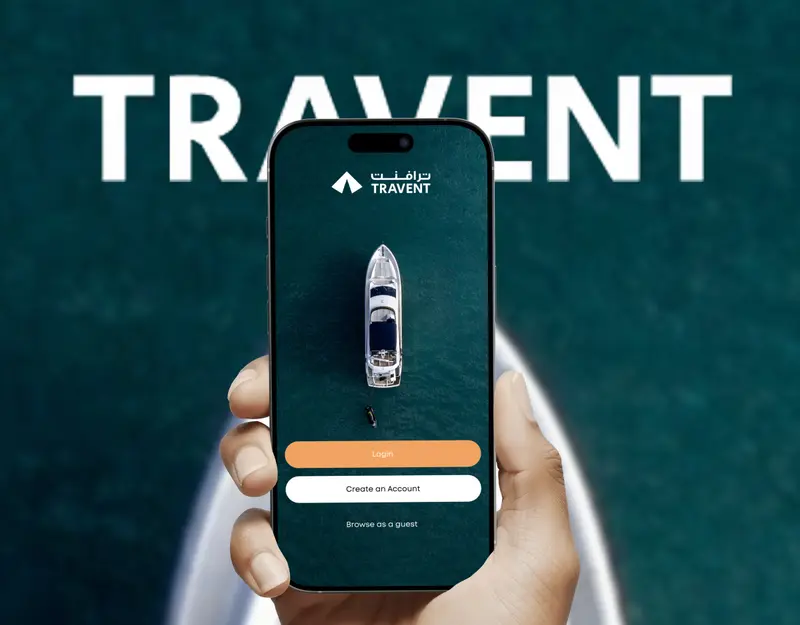 Travent
A calmer way to find and book a stay
A travel and stay-booking product designed around trust: calm browsing, clear listings and a confident path to booking.
View project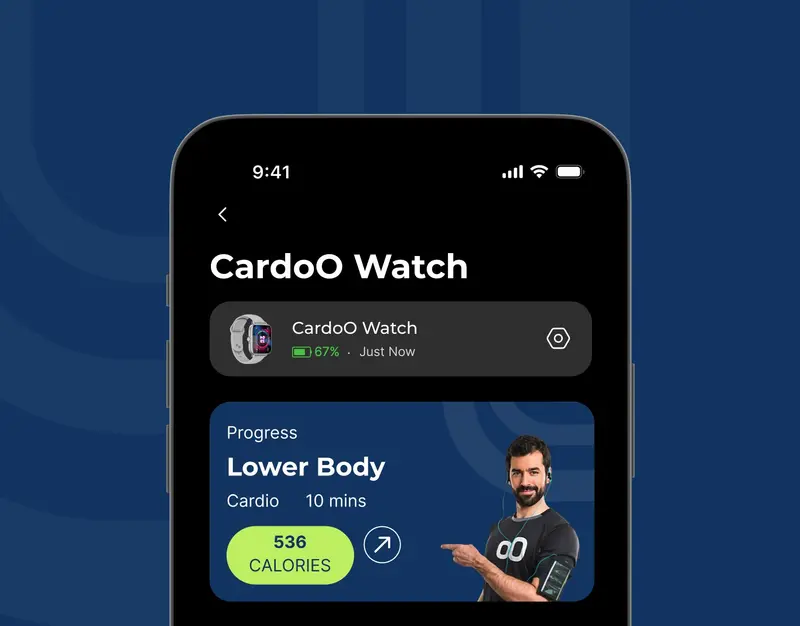 CardoO
Three connected experiences, one clear system
A UX critique and redesign of a connected-devices app: the device list, the watch overview and the activity dashboard.
View project


- Self-initiated concept · not client work
Clinic booking in three decisions
How a specialty clinic's booking journey changes when it's designed around the patient's three real questions.
- Self-initiated concept · not client work
Onboarding that earns trust before it asks for documents
Reworking a financial onboarding flow so people understand why each document is needed and never lose their progress.
Frequently asked questions
We only have an idea. Is that enough to start?
Yes. Many app projects start there. We begin by shaping the idea and the first version's scope, then move into journeys and screens. If the idea itself needs more definition, product strategy is the right first step.
Do you design for both iOS and Android?
Yes. We design one coherent product and respect each platform's conventions where users expect them.
Can we show the prototype to investors or partners?
Yes. The interactive prototype runs on a phone and is designed to be shown.
How much does it cost?
Every project is quoted individually once we understand the scope, so there are no packages or price lists on this site. Send us a message on WhatsApp describing what you need and we'll talk it through.
Still on a napkin? Send it anyway.
Describe the idea in a few lines. We'll ask the right questions and tell you what a sensible first version looks like.