Interfaces built on how people behave, not on taste.
We design the full experience of your product: the journeys, the screens and the design system behind them, so every element on screen has a reason to be there.

When screens are designed one at a time, the product stops making sense as a whole.
Flows drift, every new feature looks slightly different from the last, and decisions get made by whoever speaks last in the meeting. Users feel it as hesitation at exactly the moment you need them to continue.
Signs you might recognise
- Users ask support questions the interface should already answer.
- New features look and behave differently from existing ones.
- Design discussions end in opinions instead of evidence.
- Developers keep asking how an edge case or error state should look.
Who it's for
- Founders preparing to build, or rebuild, a digital product.
- Product teams without a dedicated designer, or with one who is overloaded.
- Businesses replacing an outdated portal, dashboard or internal system.
For your business
- Fewer rebuilds, because decisions are made before development starts.
- A smoother handoff: developers build from a documented system, not from guesses.
- A product that stays consistent as your team and feature list grow.
For the people using it
- An obvious next step at every stage of the journey.
- Familiar patterns that need no explanation.
- Readable, accessible screens that work properly in Arabic and English.
How we approach it
Understand behaviour
We start with the people using the product: their goals, the data you already have and, where possible, direct conversations with users.
Map the journeys
We map each journey end to end, including the uncomfortable parts: errors, empty states and the moments people usually give up.
Design the interface
Wireframes first, to agree on structure and priority. Then high-fidelity screens once the logic is settled.
Systemise
We turn recurring decisions into components, states and rules so the product can grow without losing its consistency.
Prototype and check
A clickable prototype lets you and your users try the experience before a line of code is written.
What you receive
- User journey maps
- Wireframes and high-fidelity interface screens
- Interactive prototype
- Design system: components, states and usage rules
- Figma file ready for your developers
- A written scope and clear delivery dates
Related work
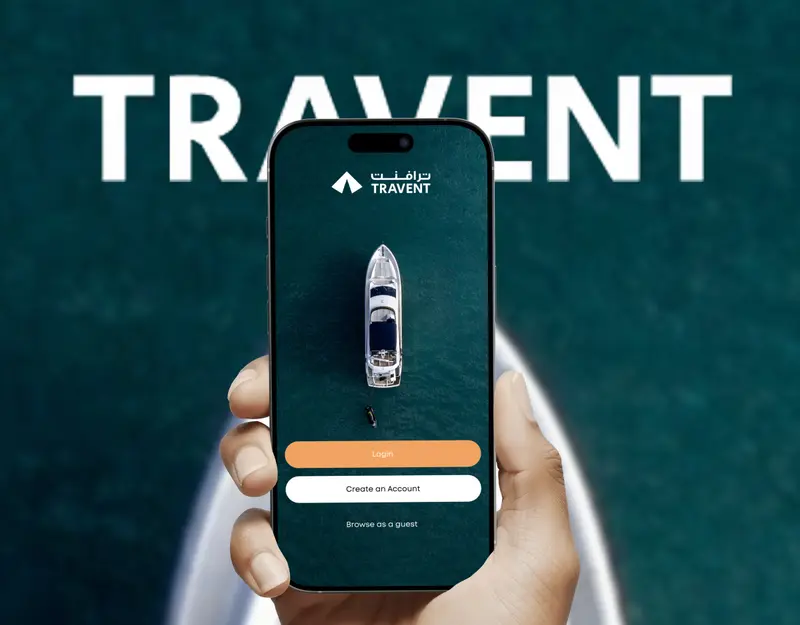 Travent
A calmer way to find and book a stay
A travel and stay-booking product designed around trust: calm browsing, clear listings and a confident path to booking.
View project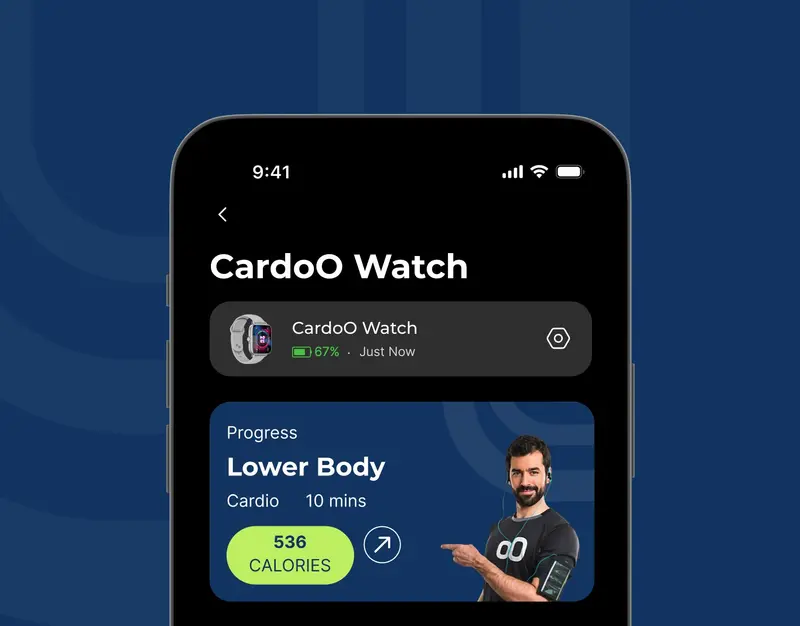 CardoO
Three connected experiences, one clear system
A UX critique and redesign of a connected-devices app: the device list, the watch overview and the activity dashboard.
View project


- Self-initiated concept · not client work
Clinic booking in three decisions
How a specialty clinic's booking journey changes when it's designed around the patient's three real questions.
- Self-initiated concept · not client work
Onboarding that earns trust before it asks for documents
Reworking a financial onboarding flow so people understand why each document is needed and never lose their progress.
Frequently asked questions
Do you work with our developers?
Yes. We deliver a Figma file prepared for development, with components and states documented, and we stay reachable to answer questions while your team builds.
Can you improve an existing product instead of starting over?
Yes. Often the right first step is a UX audit, which shows what to fix first. From there we redesign the parts that matter most rather than everything at once.
Do you design for Arabic and English?
Yes. We design right-to-left Arabic layouts properly, not as a mirrored afterthought, alongside English.
How much does it cost?
Every project is quoted individually once we understand the scope, so there are no packages or price lists on this site. Send us a message on WhatsApp describing what you need and we'll talk it through.
Tell us what you're building.
A short message about your product and where it feels stuck is enough to start.